
# Payments
We accept the following payment methods:
- Mastercard, Visa, American Express, UnionPay.
- Apple Pay, Google Pay.
- PayPal.
# Payment issues
If you experience payment issues, please contact support and provide the following information:
- The invoice number that could not be paid. You can find it in the "Invoices" section.
- The country and the issuing bank of the card you are using for payment.
Support contacts:
- Email support@keitaro.io
- Online chat on the website
- Telegram-Bot
# How to download invoices
- Log in to keitaro.io
- Open the Invoices tab
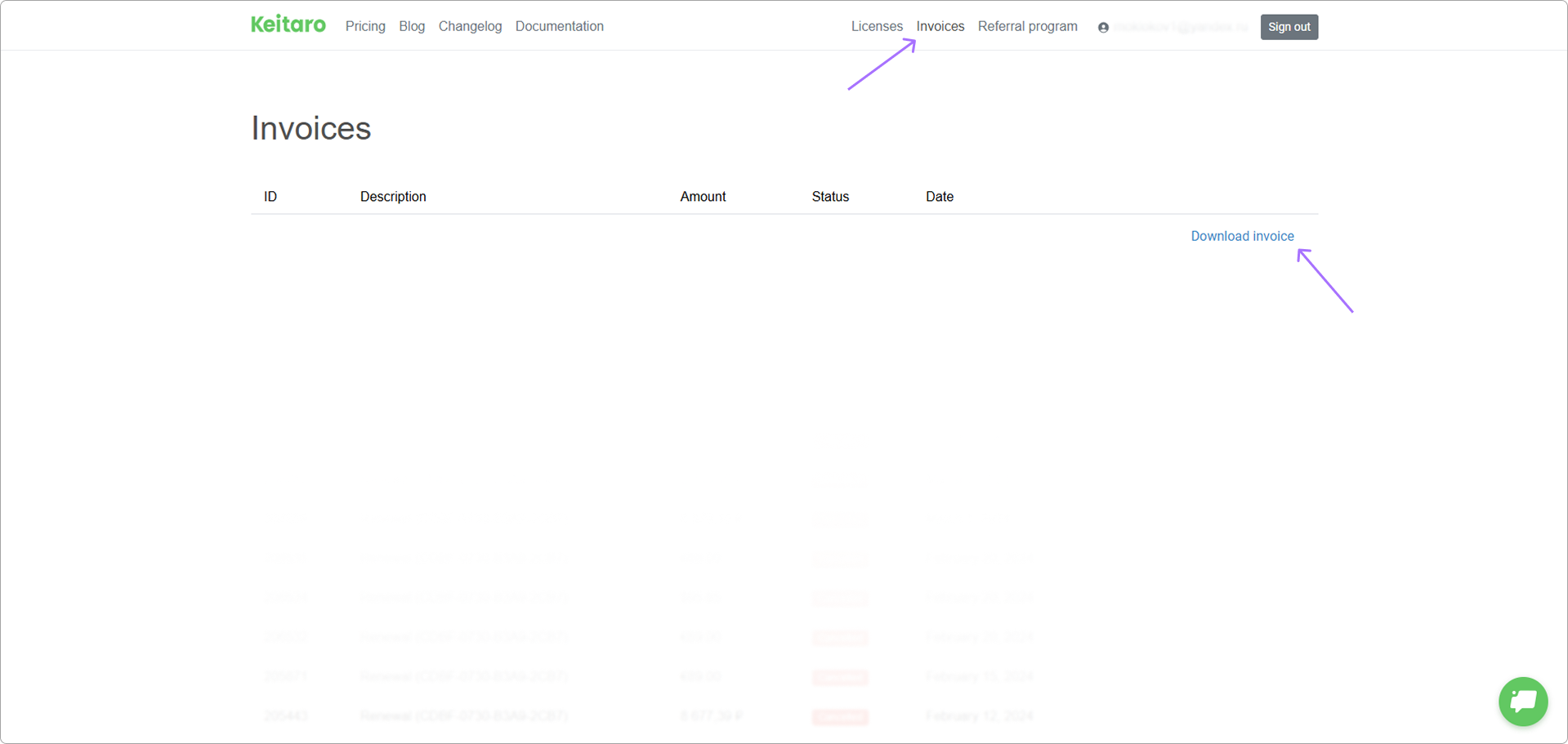
- Press on Invoice. Invoices are available only if the payment was successful.
# Taxes
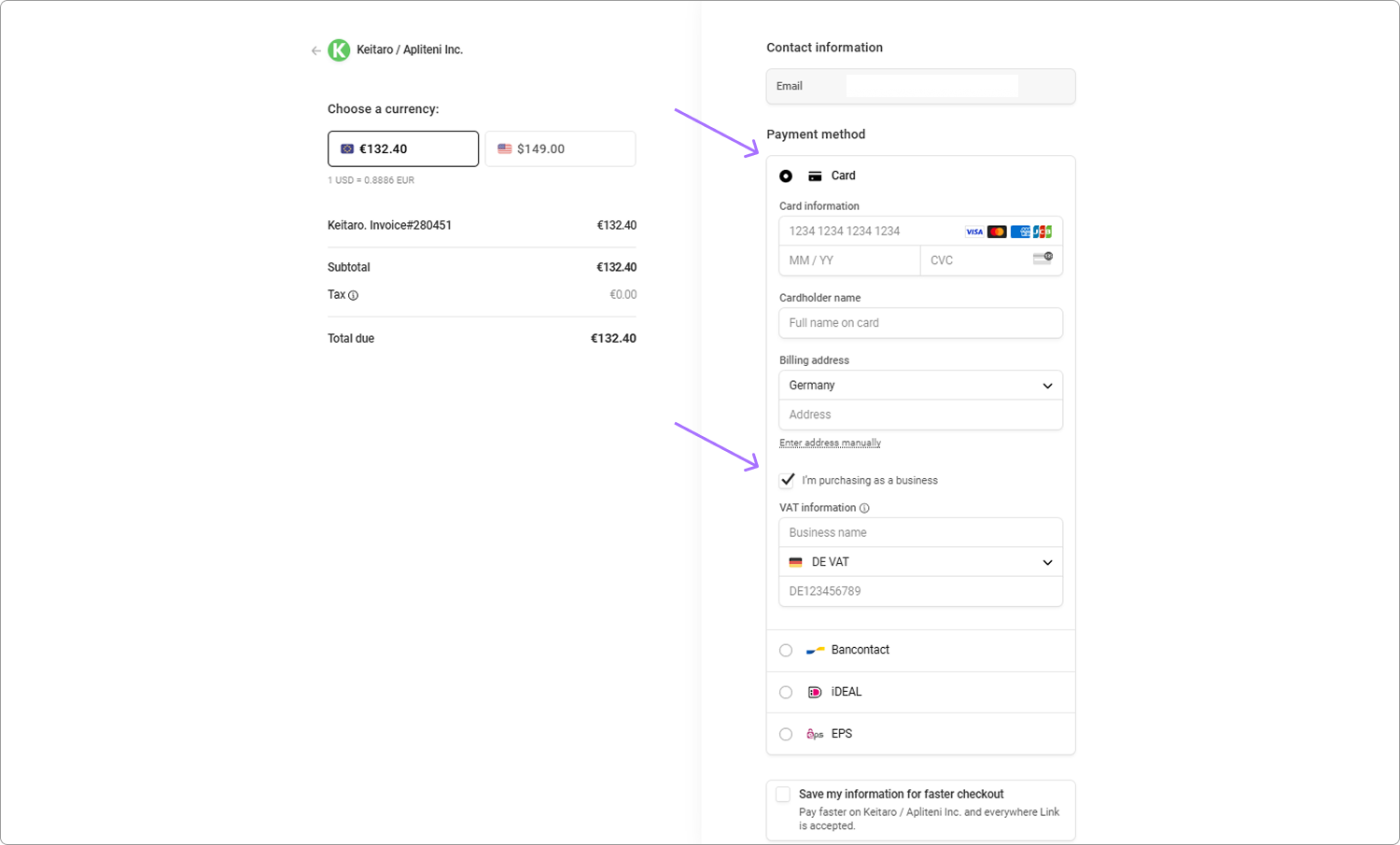
We apply VAT tax to all payments from EU countries. See VAT rates.
For purchasing as a company:
- Check the box "I am purchasing as a business"
- Enter your legal company address
- Provide your VAT number
Make sure all information is entered correctly. To make any changes, contact support before completing the payment, as the invoice cannot be modified afterward.
# Promo codes
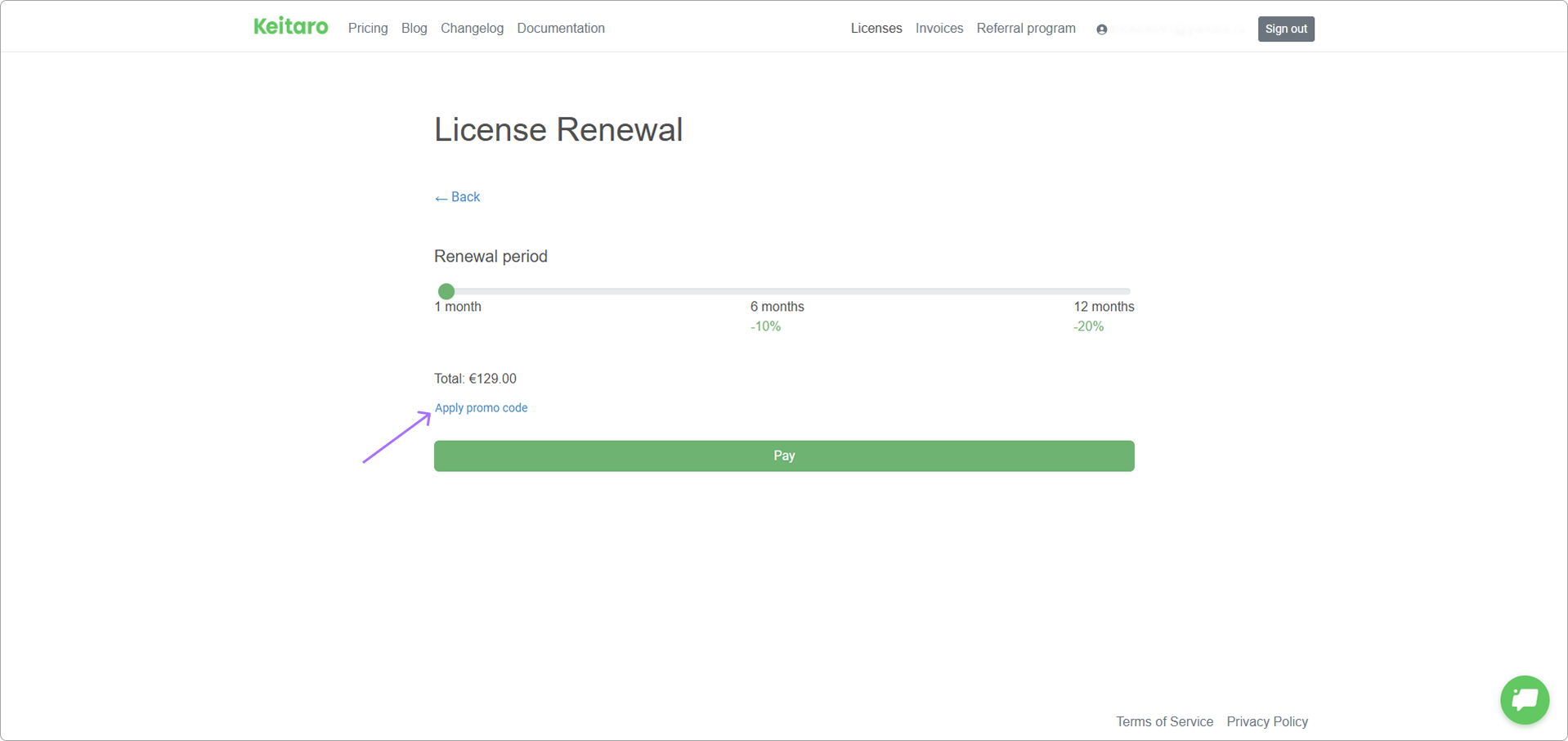
A promo code can be applied on purchase or renewal page. Press Apply promo code
# How to change email?
Click on the email section in your account cabinet, enter your new email address in the email form. Click on Save
WARNING
The new email must not be previously registered in the system.