# Creating offers
# Main settings
# Offer name
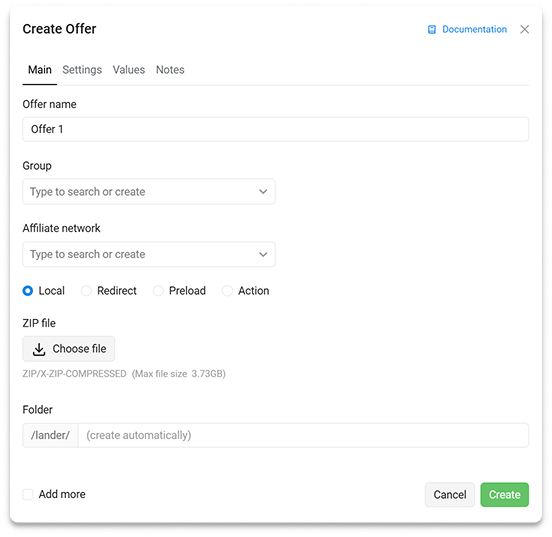
Offer name.
# Group
Offer group.
# Affiliate network
The selected affiliate network adds the necessary tags to the offer URLs. After selecting an affiliate network, its metrics become available in reports.
# Local
A local offer allows you to upload a ZIP archive with an offer to the tracker. The offer opens without a redirect.
# Redirect
Select the redirect type used to open the offer. Read more in the section Redirects and actions.
# URL
Enter the URL of your own offer or an offer received from an affiliate network.
# Settings
# Countries
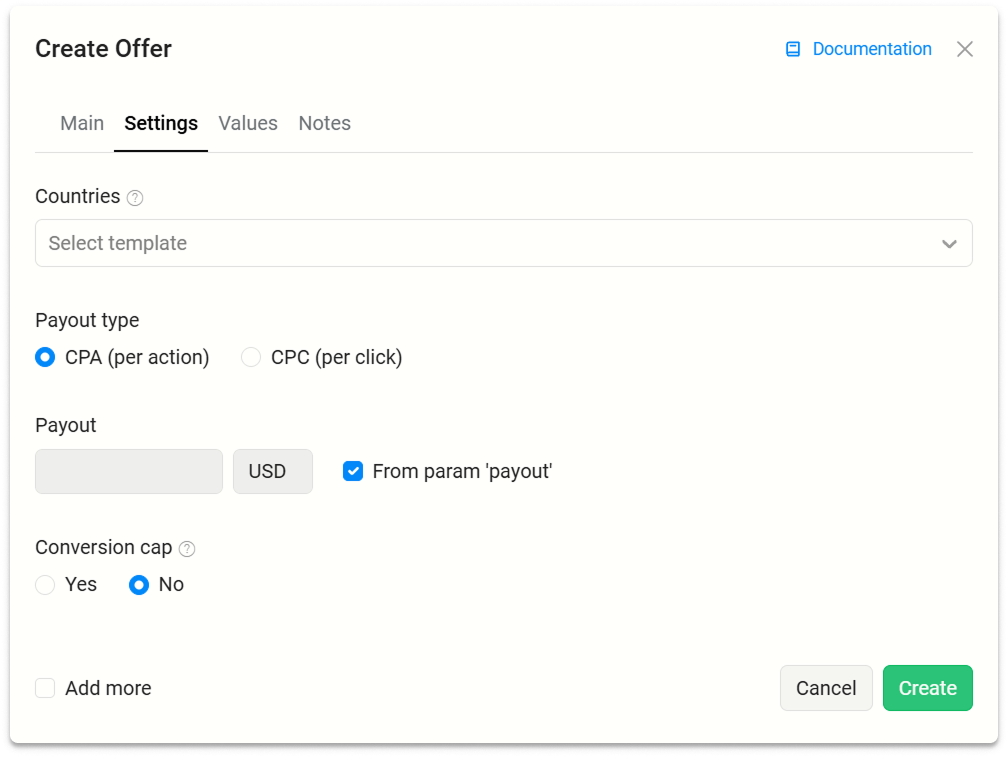
The field used as a note. The selected countries help you find suitable offers for flows faster. To target traffic by country, use filters in flows.
# Payout type
With CPA option, revenue is accrued after any postback is received by the tracker.
With CPC option, revenue is accrued when a user is sent to the offer.
# Payout
Allows you to set a fixed payout amount or use the payout parameter from the postback.
Fixed payout amount — the specified payout is applied to any postback, regardless of the conversion type received.
From param
payout— the payout amount is taken from the postback received from the affiliate network. For example, if the postback contains&payout=5¤cy=usd, the payout will be $5.
# Conversion Cap
Sets a daily conversion limit.
Read the Conversion Cap page.
# Values
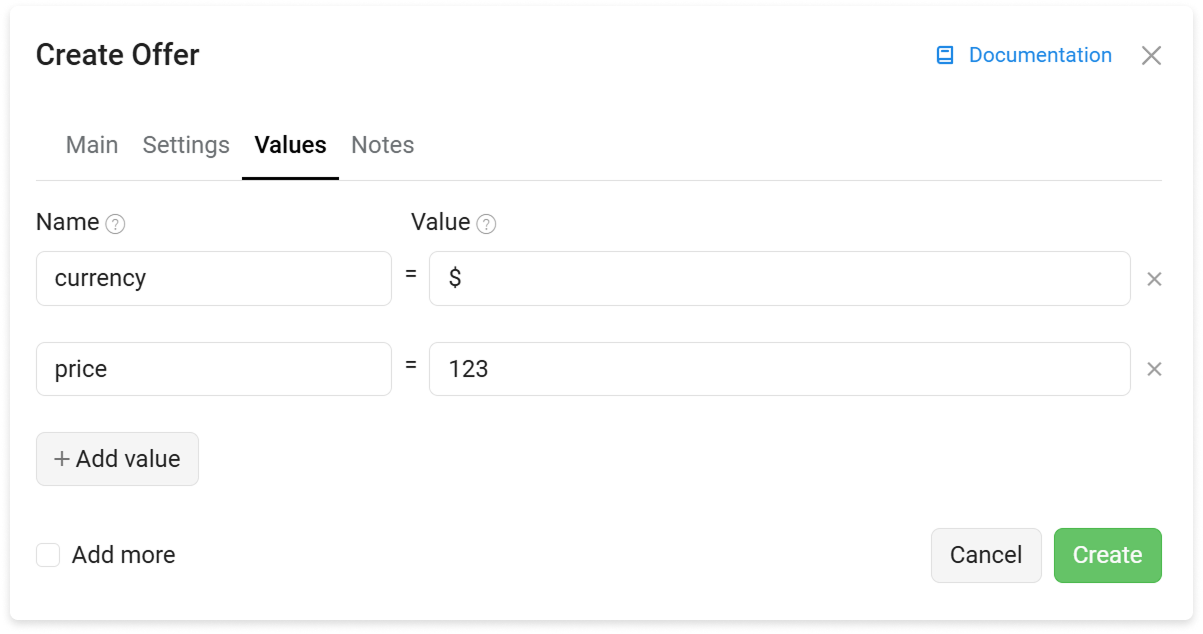
Read the Multioffers page.
# Notes
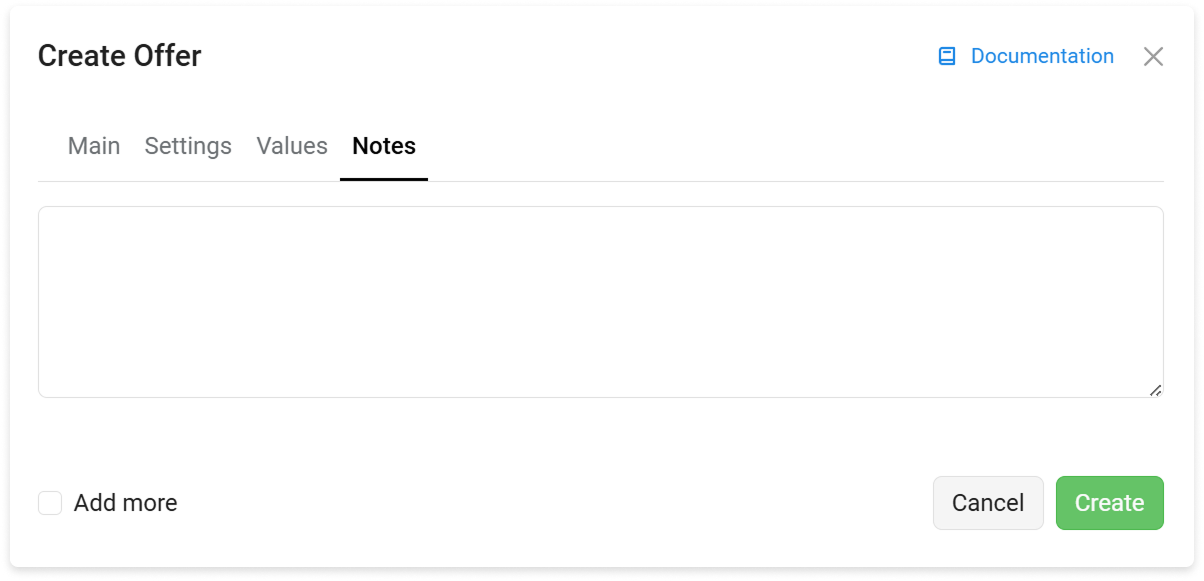
A field for adding a text note to the offer.